

Small Business Security Basics: Passwords, Backups, and Updates
November 5th, 2027
Security advice has a way of making a simple problem sound complicated. You read about firewalls, endpoint protection, zero trust, and a dozen other terms, and it starts to feel like the whole thing requires a specialist. Then you look at your actual office, with a dozen employees and a full calendar, and you wonder where any of it fits.
The truth is that a small business can cover a large share of its risk with three basics: strong passwords, reliable backups, and regular updates. None of them require a big budget. All of them require a little attention. This guide explains each one in plain language and shows you how to start this week.
Passwords: Make Them Long and Different
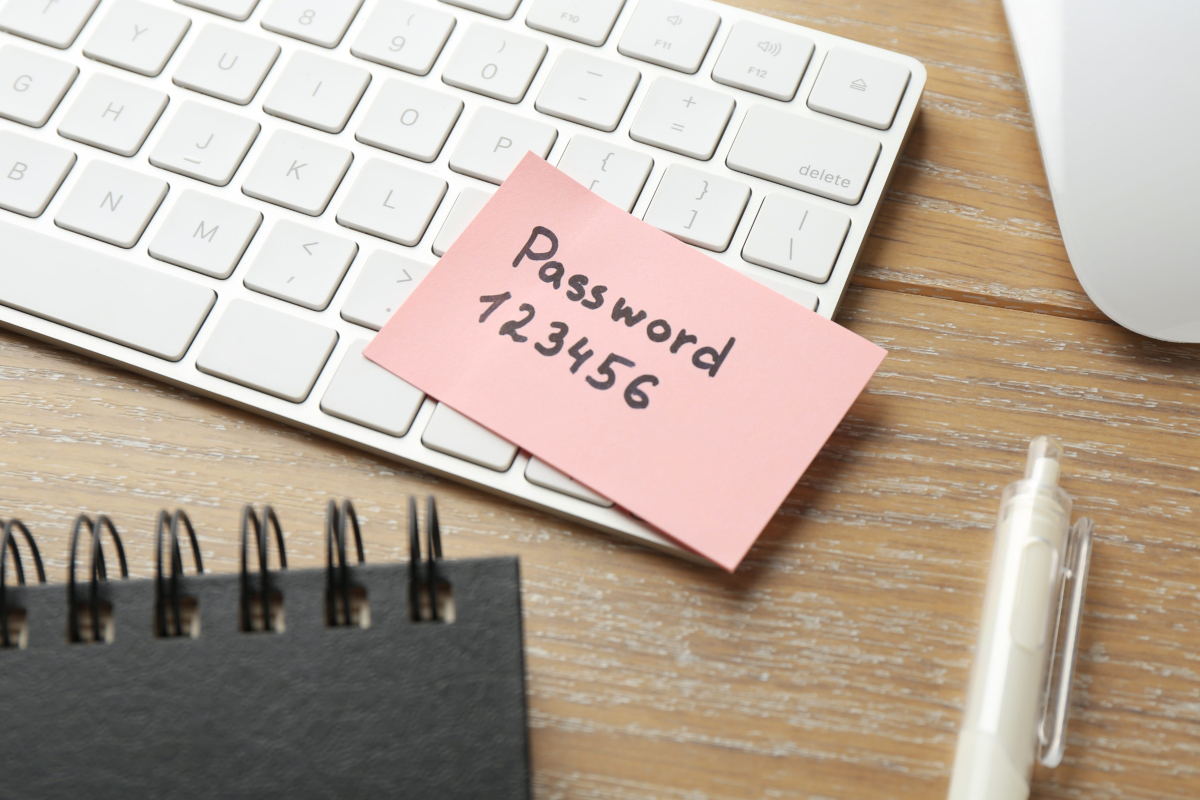
Passwords still matter, even with all the new security tools. The problem is that most people use short passwords, reuse them across accounts, or write them on a note that sits next to the keyboard. Each of those habits makes an attacker's job easier.
A better approach is to use a long passphrase that is easy for you to remember and hard for someone else to guess. Four unrelated words can be stronger and easier to remember than a short password with a symbol in the middle.
Use a password manager
You cannot remember a different strong password for every account. A password manager can. It stores them in an encrypted vault and fills them in when you need them. You only have to remember one master password.
Set up the manager for the whole team, or at least for the accounts that matter most. Make sure everyone knows how to use it, and turn on multi factor authentication for the manager itself. A password manager that is not protected is just a different kind of risk.
Turn on multi factor authentication
Multi factor authentication, or MFA, adds a second step when you sign in. It might be a code from an app, a prompt on your phone, or a security key. If someone steals your password, MFA is the step that usually stops them.
Start with email, banking, payroll, and any tool that holds customer information. Then work through the rest. It takes a few minutes per account, and it is one of the highest value security steps a small business can take.
Stop sharing passwords
When a password is shared, nobody knows who used it or when it should be changed. A password manager can share access without sharing the password itself. If a tool does not support that, set a rule for who owns the password and how it is changed when someone leaves.
Backups: Make Sure You Can Get Your Data Back
A backup is a copy of your important data that you can restore if the original is lost. The key word is restore. A backup that has never been tested is only a hope.
Start with the files that would stop the business if they disappeared. That usually includes customer records, financial files, contracts, and the work your team does every day. Then decide where the copies live and how often they run.
Keep more than one copy
A second copy on the same computer does not help if the computer is stolen or the drive fails. Keep one copy on site for quick restores and one copy somewhere else in case the office is unavailable. A cloud backup can serve as the off site copy, but make sure it is a real backup and not just a sync folder that mirrors every mistake.
Test a restore
Once a quarter, restore a file or a folder from the backup and check that it opens. Write down the date and the result. If the restore fails, you have found a problem before it became an emergency.
Also ask how long a full restore would take. The answer affects how you plan for downtime. A business that needs to be back within an hour has different requirements than one that can wait a day.
Updates: Close the Holes You Already Have
Software updates are not just about new features. They fix security problems that attackers already know how to use. An unpatched computer is an open door, especially when the update has been available for months.
Turn on automatic updates wherever possible. That includes computers, phones, browsers, and the applications your team uses. Then check the devices that do not update themselves, like servers, network equipment, and printers.
Put updates on a schedule
Automatic is good, but someone still needs to confirm that updates are actually installing. Pick a day each month to review the devices and make sure nothing has been failing quietly. For servers and network equipment, plan the updates during a slow period and have a rollback plan in case something breaks.
Do not forget the small devices
Routers, switches, printers, and cameras all run software. They all need updates. They are also easy to forget because nobody uses them directly. Put them on the same inventory list as the computers and check them on the same schedule.
Add Two Simple Habits
Passwords, backups, and updates cover the technical basics. Two everyday habits cover much of the human side.
Slow down before you click
Most attacks start with a message that asks you to click, sign in, or pay something. Train the team to pause when a message feels urgent, unexpected, or a little off. Check the sender, hover over the link, and call the person through a number you already have. A few seconds of suspicion prevents a lot of damage.
Make it safe to report a mistake
People hide mistakes when they are afraid of getting in trouble. That is the opposite of what you want. If someone clicks a bad link or sends information to the wrong person, you need to know quickly so you can contain it. Praise the report, fix the problem, and use it as a training example without naming the person.
A One Week Start
You can make real progress in a week without turning security into a full time project. Try this:
- Day one: list the accounts that hold customer or payment information
- Day two: turn on MFA for email and banking
- Day three: set up a password manager for the team
- Day four: confirm that backups are running and restore one test file
- Day five: check that automatic updates are on for computers and phones
- Day six: add routers, printers, and cameras to the update list
- Day seven: tell the team who to call when something looks suspicious
That is not everything. It is a start, and a start is what most businesses need. The habits get easier with practice, and each one removes a path an attacker could use.
Keep It Simple and Keep It Going
Security is not a product you buy once. It is a set of habits that stay useful as the business changes. Passwords, backups, and updates are the foundation. Add clear reporting, a little training, and a plan for what to do when something goes wrong, and you are ahead of most small businesses.
If you want a second set of eyes on your setup, Preston Office Solutions can review your passwords, backups, and update schedule, then give you a short list of what to fix first. We work with Southern Utah businesses on practical security that fits the way they work. Contact us to schedule a review.